
Digital LiteracyOnline forms can ask for everything from an email address to a home address. Learn how to decide what information is necessary, recognize optional fields, and pause when a request feels out of place.
Read article · 3 min↗

Digital LiteracyA page that will not open does not always mean the website is broken. Learn a simple way to check your connection, browser and the page itself without changing settings at random.
Read article · 4 min↗

Digital LiteracyNotifications can help you stay connected, but they do not all need your attention right away. Learn how to sort alerts by importance, make room for focused time, and set expectations with people who may need to reach you.
Read article · 4 min↗

Digital LiteracyPublic Wi-Fi can be useful at a library, café or community center, but a familiar-looking network name is not a guarantee of safety. Learn how to check the network, protect your device and decide which activities can wait.
Read article · 4 min↗

Digital LiteracyA file that opens perfectly on your device may look different—or refuse to open—on someone else’s. Learn how to choose useful formats for documents, pictures, spreadsheets and media, and what to check before you send.
Read article · 4 min↗

Digital LiteracyA clear file name and a sensible folder can save time when you need a school project, photo or form. Learn a simple system you can set up once and use for everyday digital life.
Read article · 4 min↗

Digital LiteracyA backup is a spare copy of a file you can use if the original is lost, damaged or deleted. Learn what to save, where to keep copies and how to check that they work.
Read article · 4 min↗

Digital LiteracyAn update can do more than add features or change how an app looks. Learn how updates help protect devices, why they sometimes need attention, and how to build a manageable update routine.
Read article · 4 min↗

Digital LiteracyA post can travel farther and last longer than you expect, even when you delete it. Learn what makes up your digital footprint and how to make thoughtful choices about what you share.
Read article · 4 min↗

Digital LiteracyCookies can keep you signed in or remember what is in your cart. Other tracking tools can help websites measure visits or show targeted ads. Learn how they work, what choices you may have, and how to manage them without breaking useful site features.
Read article · 4 min↗
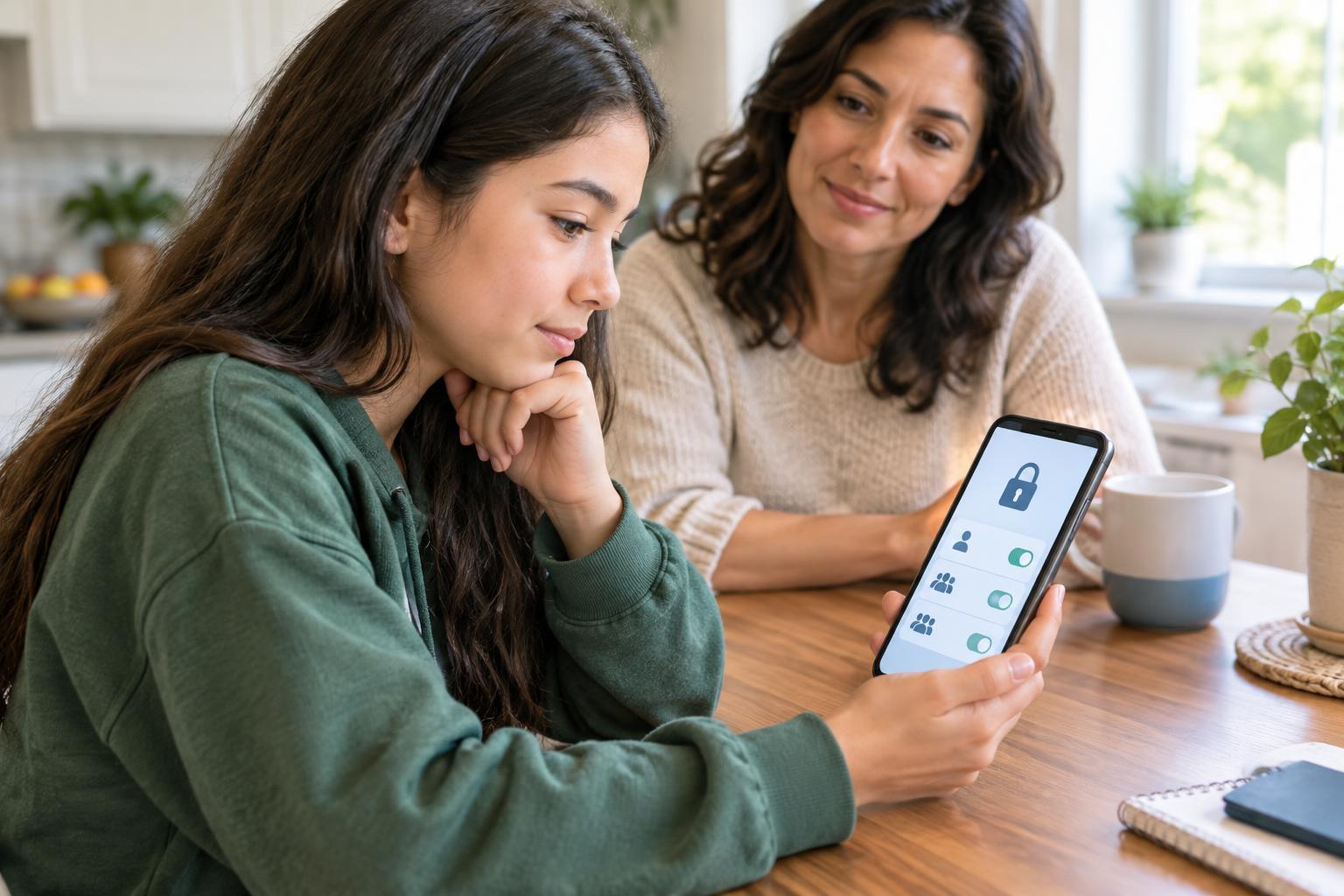
Digital LiteracyPrivacy settings help you choose who can see your posts, contact you, and find your account. Learn how to review the most useful controls, what their limits are, and how to make a simple privacy checkup part of your routine.
Read article · 4 min↗
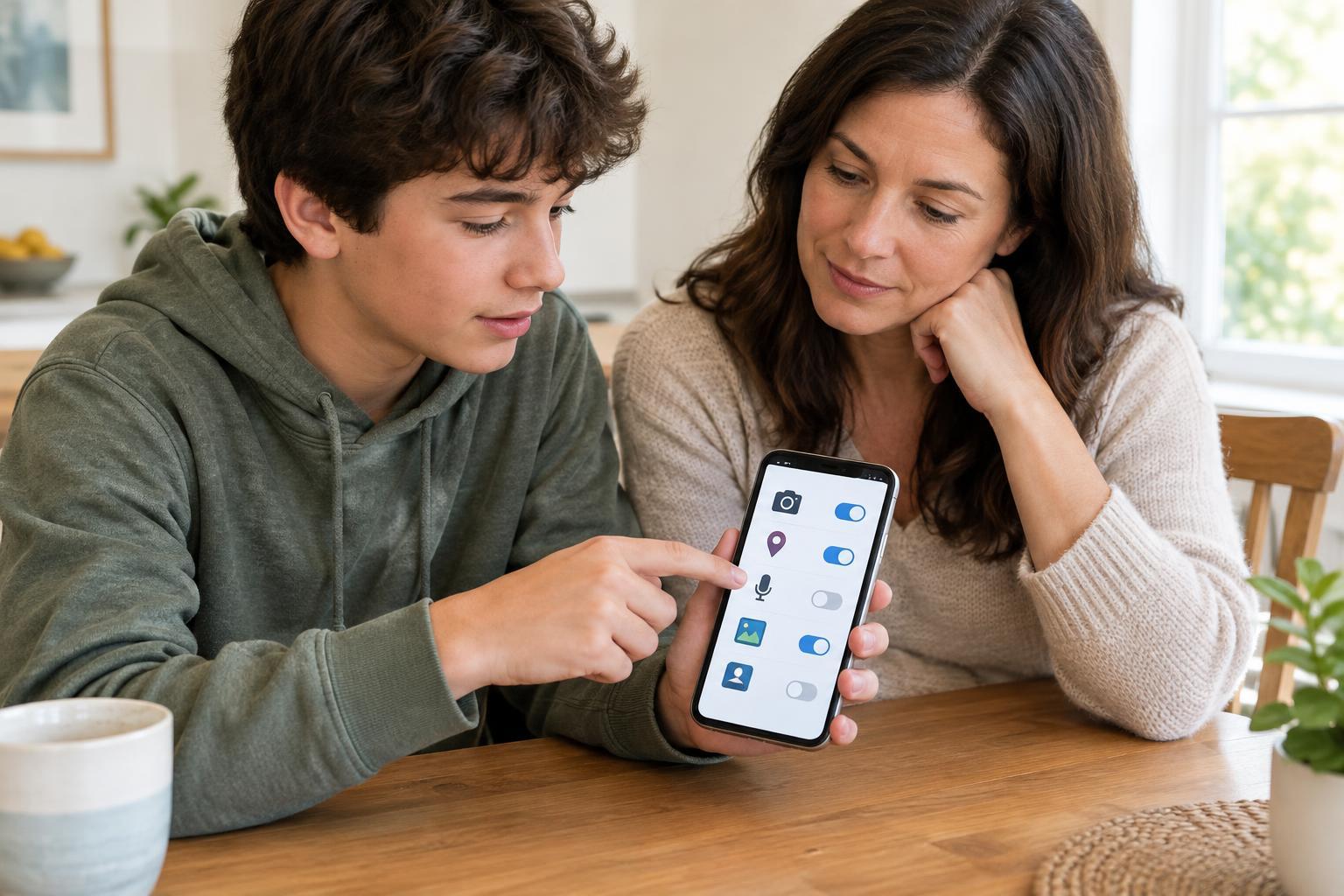
Digital LiteracyApps may ask to use your location, camera, contacts, photos or microphone. Learn how to match each request to a feature, choose the narrowest useful access and change your mind later.
Read article · 4 min↗

Digital LiteracyA download can help you study, create, or connect with friends—but it is worth pausing before you tap. Learn how to check where a file comes from, review app permissions, and respond if something seems wrong.
Read article · 4 min↗
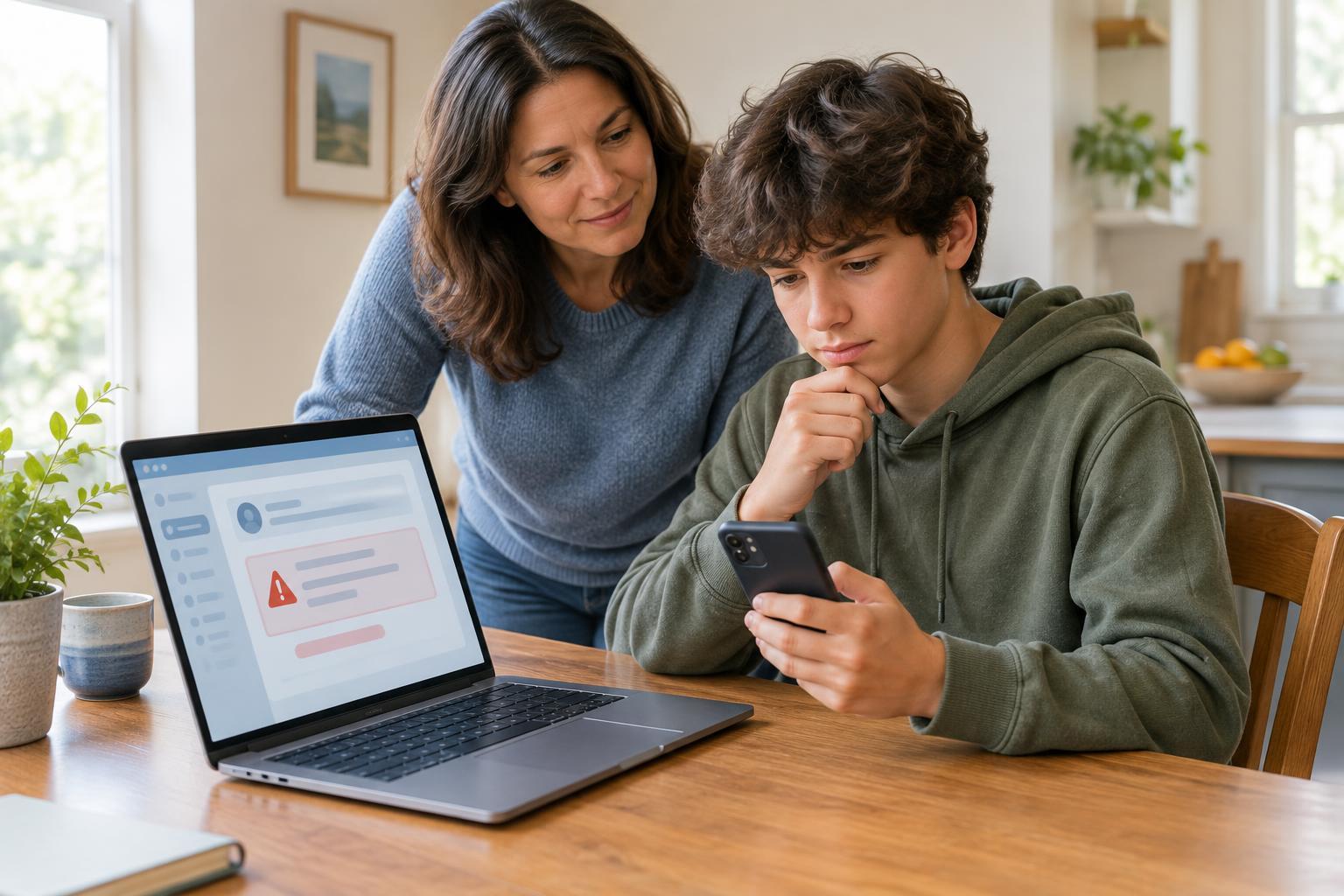
Digital LiteracyA message that looks like it came from your school, a delivery service or a friend may be trying to steal information. Learn how to pause, check the details and respond safely.
Read article · 4 min↗
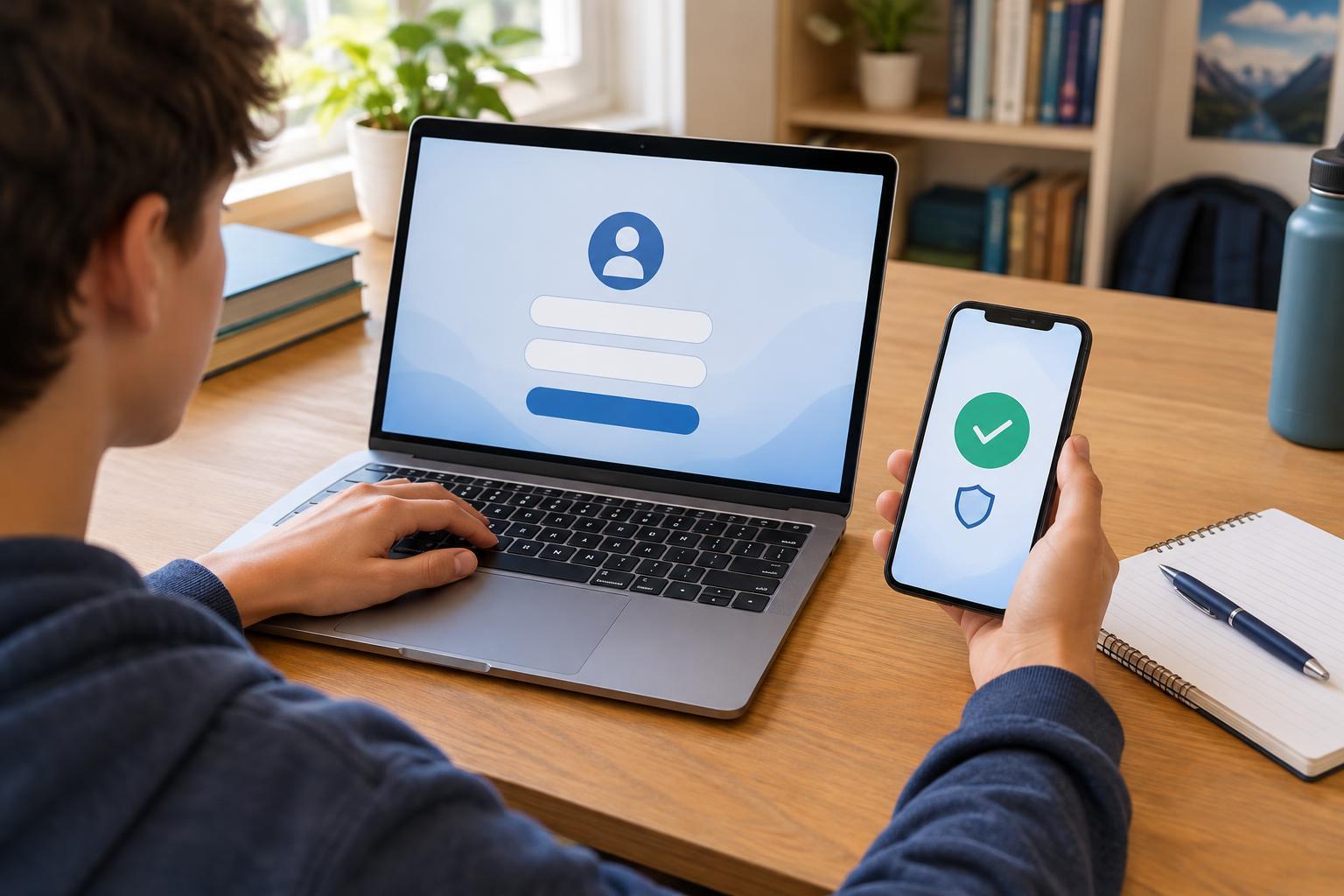
Digital LiteracyA password is important, but it is not always enough. Learn how two-factor authentication adds another check, which methods are available, and how to use it without getting locked out.
Read article · 4 min↗

Digital LiteracyPasswords and passkeys both help protect online accounts, but they work differently. Learn what each one does, when to use it, and how to avoid getting locked out.
Read article · 4 min↗

Digital LiteracyA recommendation feed can feel like it knows exactly what you want to see. Learn how platforms use activity and other signals to choose posts, why a feed can become repetitive, and what you can do to make your online time more intentional.
Read article · 4 min↗
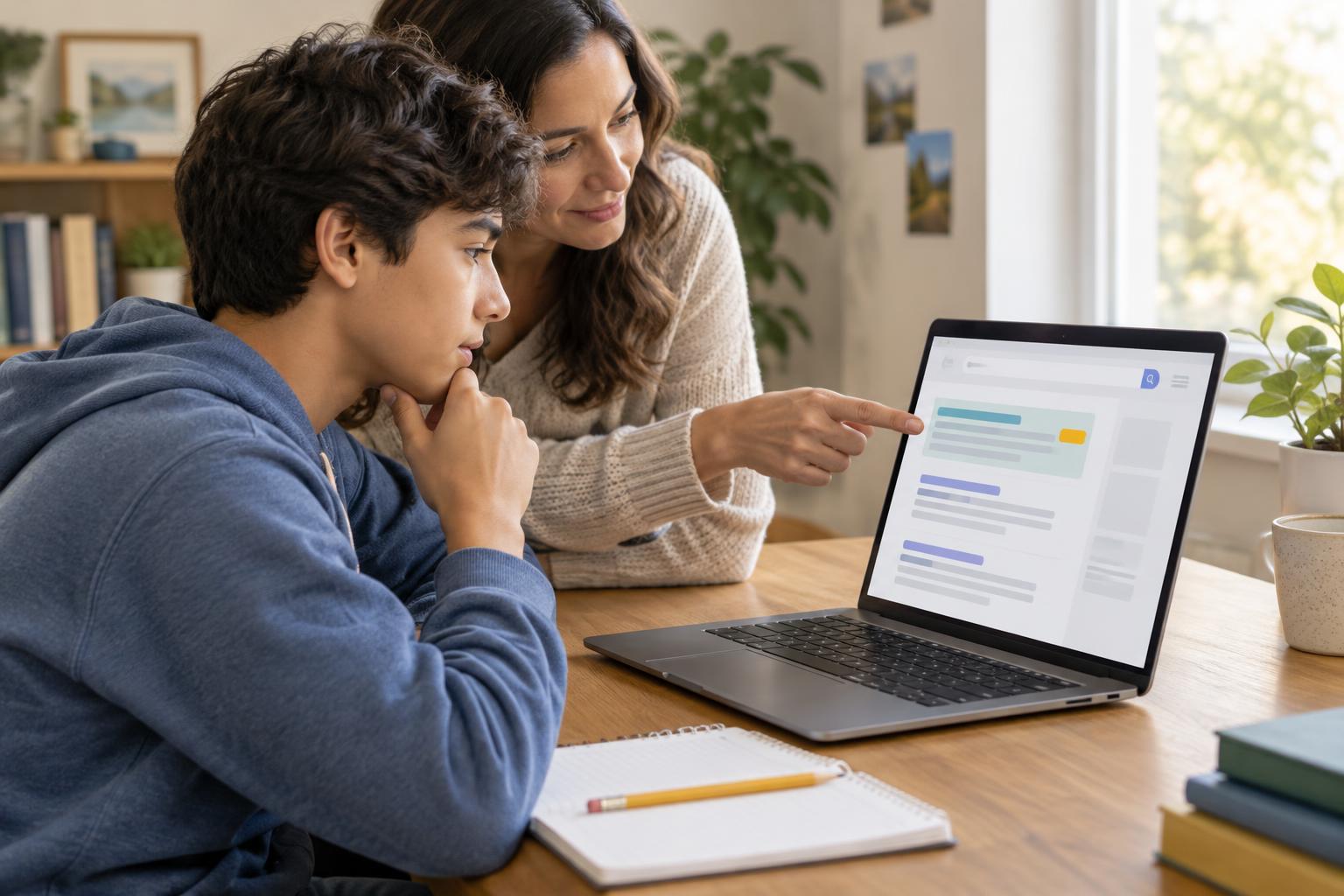
Digital LiteracyA search result can look helpful and still be an ad. Learn where to look for sponsorship labels, how to check a result before clicking, and why the first link is not always the best answer.
Read article · 4 min↗

Digital LiteracyA surprising post can be easy to pass along and hard to take back. Learn a simple routine for checking its source, context and evidence before you share it.
Read article · 4 min↗

Digital LiteracyA polished website is not necessarily an accurate one. Learn a practical way to check who is behind a page, what evidence it offers, whether its information fits your question, and how to confirm important claims elsewhere.
Read article · 4 min↗

Digital LiteracyA useful web search starts with a clear question. Learn how to choose specific keywords, revise a search that misses the mark, and use filters without assuming the first result is the best one.
Read article · 4 min↗
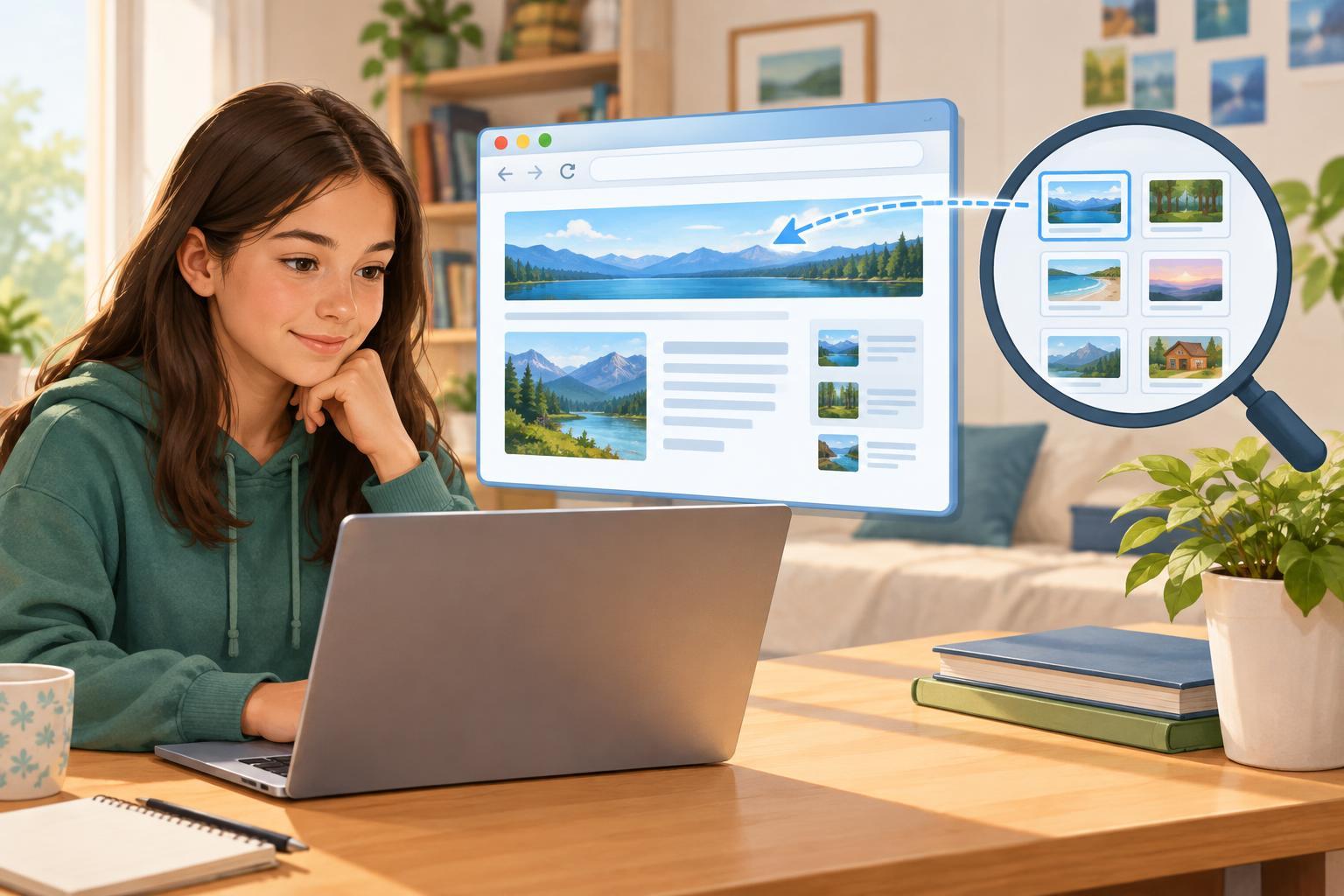
Digital LiteracyA browser is the app you use to view websites. A search engine helps you find pages on the web. Learn how they work together, why a browser’s address bar can do both jobs, and how to choose a useful result.
Read article · 4 min↗