Why a password may not be enough
A password is like a key to an online account. If someone learns it, they may be able to sign in as you. That can happen if you reuse a password from another site, type it into a convincing fake sign-in page, or share it with someone who does not keep it private. A long, unique password helps, but it cannot prevent every mistake or scam.
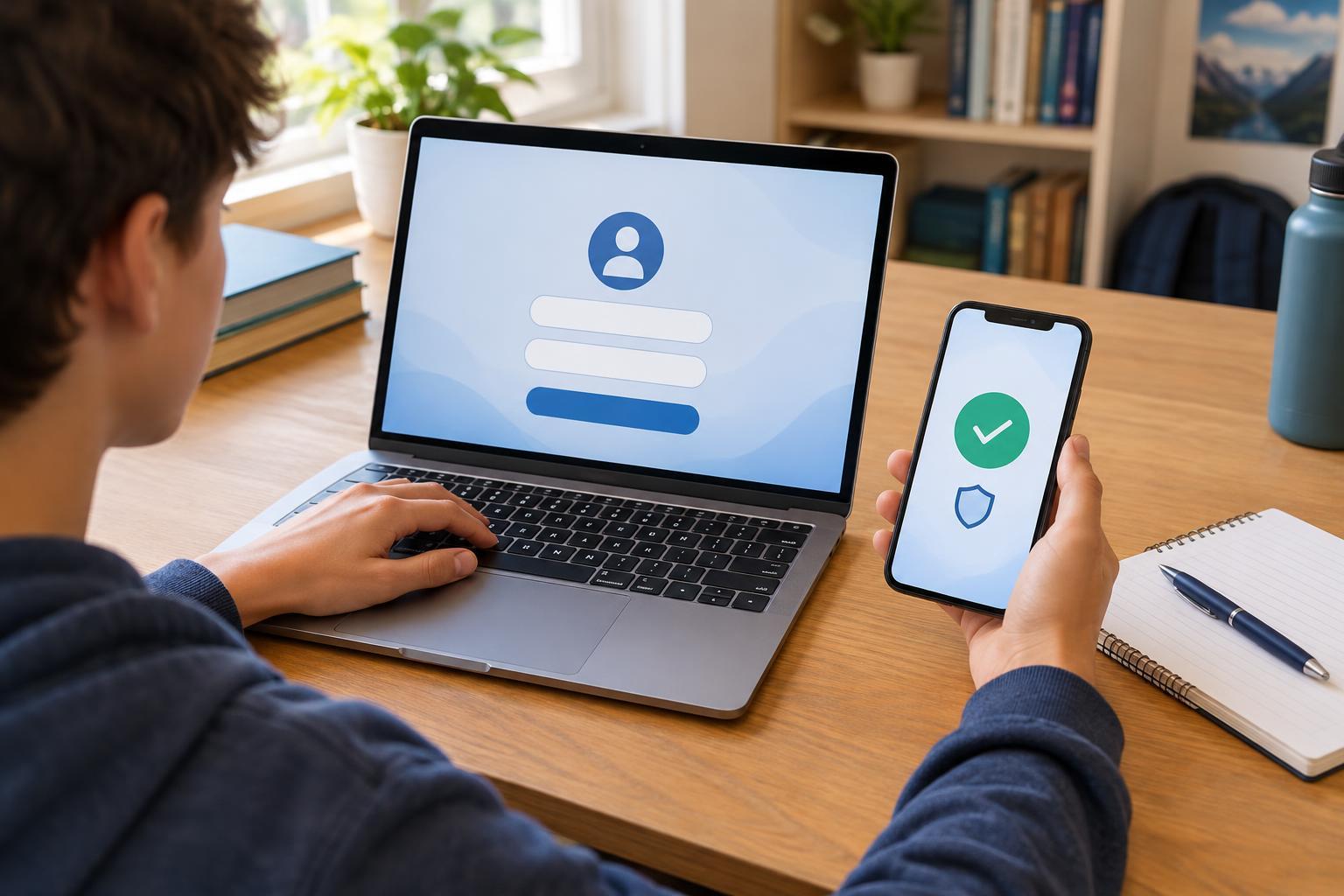
Two-factor authentication, often shortened to 2FA, adds a second check at sign-in. After entering your password, you might need to type a code from an app or approve a request on a device you control. Someone who has only your password would then face another barrier. You may not be asked for the second check every time, especially on a device you have chosen to trust.
What counts as a second factor?
The idea behind 2FA is to combine different kinds of proof. A password is something you know. A phone, security key, or authenticator app on your device can provide something you have. Some services also offer biometric checks, such as a fingerprint, although the exact way those checks protect a sign-in depends on how the service and device use them.
Common options include a code sent by text message, a code generated by an authenticator app, a notification you approve on a device, or a physical security key. These options do not all provide the same protection. Text messages can be useful when they are the option you have, but they may be vulnerable if someone gains control of your phone number. An authenticator app or security key can avoid relying on text messages, though each requires you to keep access to the app or key.
2FA does not make an account impossible to break into. A fake website may ask for both your password and your code, and a scammer may try to persuade you to approve a sign-in request. Treat the second step as a security check, not as a button to press automatically.
How to turn it on thoughtfully
Start with accounts you would especially want to protect, such as your main email, school account, or an account that stores personal information. Look in the account’s security or sign-in settings for options labeled “two-factor authentication,” “two-step verification,” or similar. Follow the service’s instructions, then test the setup while you are still signed in on a device you trust.
If you can choose among methods, consider which one you can use reliably. An authenticator app may be convenient if you normally have your own phone; a physical security key may suit someone who can keep track of it. If an account belongs to your school or family, check whether there are rules or shared access needs before changing its settings. Do not add another person’s phone or device as a recovery method without discussing it with them.
Use a different, strong password for each important account as well. 2FA adds protection to a password; it does not replace one.
Plan for a lost phone or device
During setup, a service may offer backup codes or another recovery method. These are for times when you cannot use your usual second factor, such as when your phone is lost or replaced. Save backup codes somewhere private that you can find later, rather than leaving them in a public folder or sending them in a group chat. Anyone with a usable backup code may be able to get past the second check.
Review recovery options when you change phone numbers or devices. If you use an authenticator app, check how its accounts can be transferred or restored before you erase an old phone. Recovery steps vary by service, so taking a few minutes to understand them now can save frustration later. If a parent or guardian helps manage an account, agree on a recovery plan that respects your privacy and the account’s rules.
Pay attention when a sign-in request appears
A code or approval request should have a reason: you just tried to sign in. If a request appears unexpectedly, do not approve it or give the code to someone who contacts you. Instead, open the service through its usual app or a saved address and check your account security settings. You can change your password if you think someone else knows it, and use the service’s help options if you cannot access the account.
The goal of 2FA is not to make signing in complicated for its own sake. It creates a moment to ask, “Is this really me?” When you pair that pause with a unique password, sensible recovery planning, and care around unexpected requests, your account becomes harder for someone else to use.