Start with who can see your account
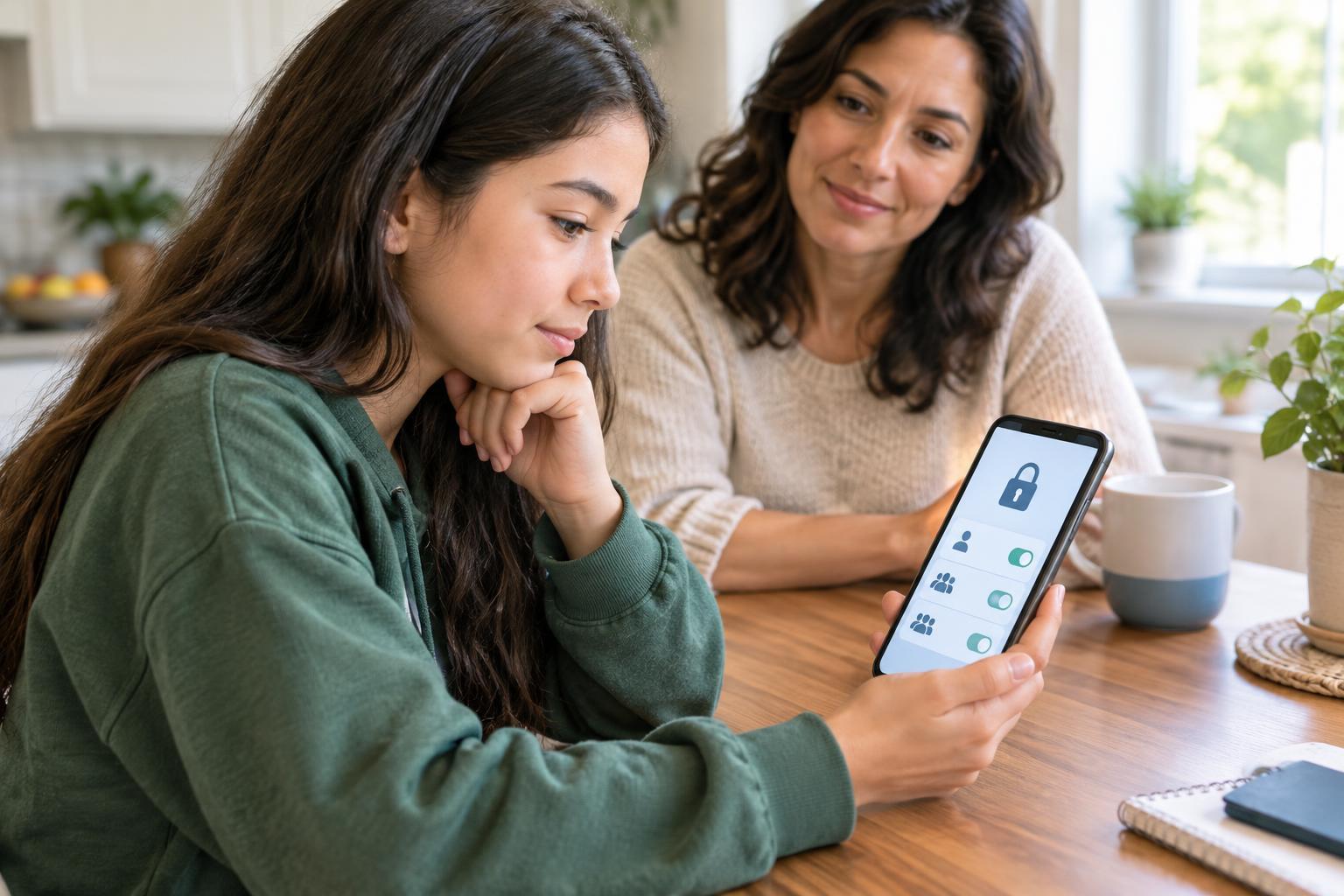
Social media privacy settings are the controls that shape who can find your account and see what you share. They can make a real difference, but they are not a guarantee of secrecy. Apps organize their menus differently, so look for areas labeled Privacy, Audience, Visibility, or Account. If a setting is unclear, read its description before changing it.
First, check whether your profile is public or private. A private account often requires people to request access before seeing your posts, but your profile photo, username, or bio may still be visible. Next, check the audience for stories, videos, and individual posts; these may have separate controls. Look at older posts, too. Changing a default for future posts does not always change who can see things you shared earlier.
Choose how people can find and contact you
Privacy is about more than posts. Review who can send you messages, comment on your content, mention your username, tag you in photos, or add you to group chats. Limiting these options can make your account easier to manage, especially if you are getting messages from people you do not know. If the app offers approval before tagged content appears on your profile, consider turning it on.
Also check whether people can find you using a phone number, email address, or contact list. Some apps ask to sync your contacts to suggest connections. You can decide whether that trade-off is worth it, and you can review your phone’s app permissions as well as the app’s own settings. Be thoughtful about friend or follower requests: a familiar profile photo or shared contact does not prove that an account belongs to someone you know.
Pay attention to location and personal details
Location can appear in more places than you expect: a live location feature, a tagged place, a public event post, or a photo that shows a recognizable sign. Check whether an app has access to your device’s location and whether that access is needed for the way you use it. If you share a place, consider whether posting after you leave would feel more comfortable than sharing while you are there.
Give your bio and recent posts a quick look for details you would rather keep within a smaller circle, such as a school schedule, home address, or routine travel route. You do not have to stop sharing your interests or creativity. The goal is to choose what you share, who receives it, and when. Remember that someone who can see a post may be able to save it or show it to another person.
Protect access to your account
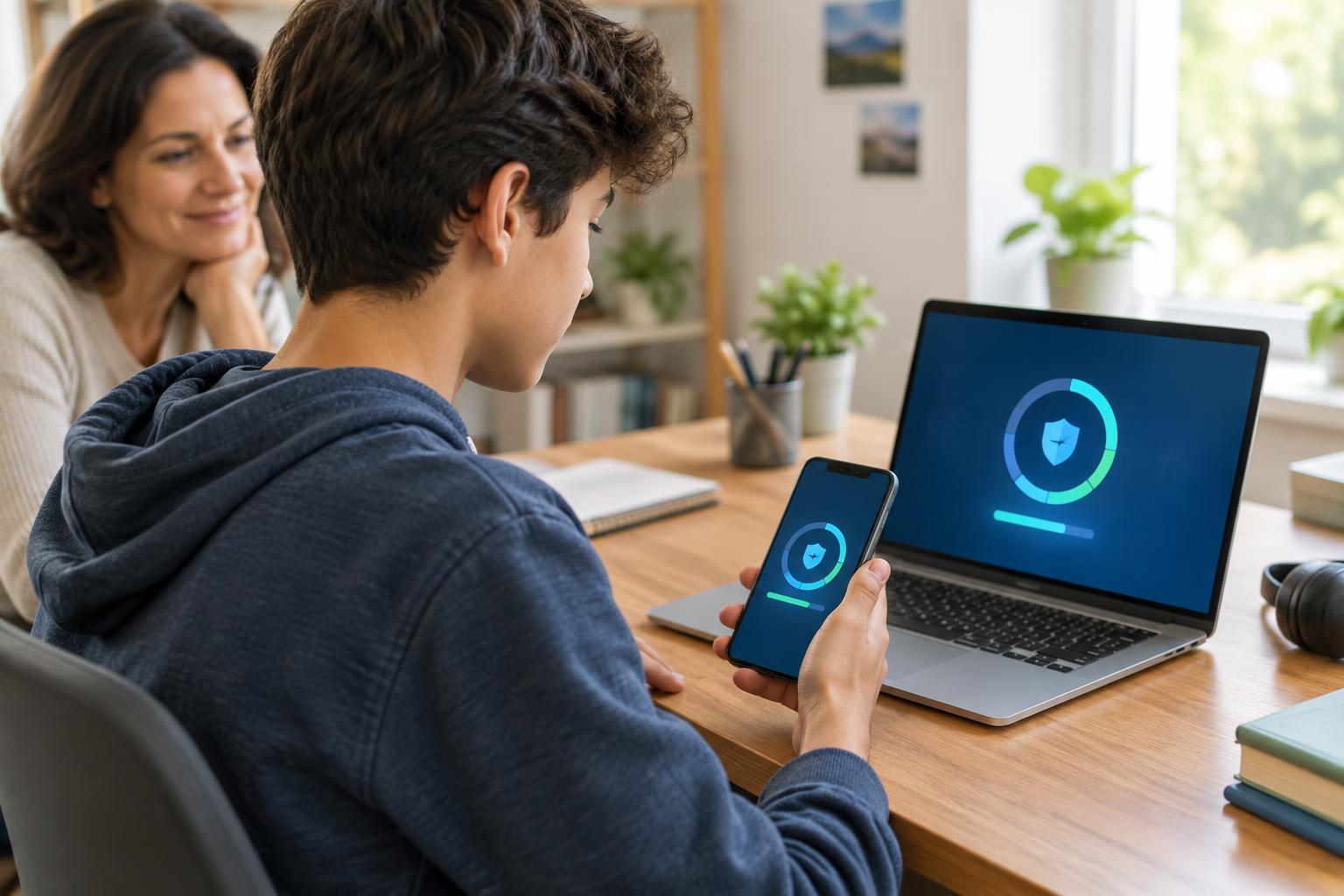
Privacy settings are less useful if someone else can sign in as you. Use a password that is hard to guess and that you do not reuse on other accounts. If the app offers two-factor authentication, consider enabling it; this adds another step when a new device tries to sign in. Keep recovery details current so you have a way back into your account if you lose access.
Be cautious with messages that pressure you to click a link or give away a sign-in code, even if they seem to come from a friend. When in doubt, open the app directly rather than using the link in the message. Many platforms also let you review devices or sessions signed in to your account. If you spot one you do not recognize, sign it out and change your password.
Make a privacy checkup a habit
Settings can be easy to forget once they are set. Revisit them when you join a new platform, try a new feature, change who follows you, or notice that an app looks different. A short checkup can cover five questions: Who can see my posts? Who can contact or tag me? How can people find me? Am I sharing my location? Is my account access protected?
If someone’s messages or comments make you uncomfortable, you can use tools such as mute, restrict, block, and report, depending on what the platform provides. You do not owe anyone continued access to your account. If a situation feels hard to handle alone, consider talking with a trusted adult or another supportive person. Good privacy choices are not about getting every setting perfect; they are about having more say in your online space.