Start with what the other person needs to do
A file format is the way information is packaged for an app to read. You can often spot it by the extension at the end of a filename, such as .pdf or .jpg. That ending is a useful clue, but it does not guarantee that every device can open the file. The app, the file’s contents and sometimes the device all matter.
Before choosing a format, ask a practical question: does the recipient need to read the file, edit it or use it in a particular app? A file meant for viewing is often best shared differently from one meant for group editing. If a teacher, club or application form specifies a format, follow that request first. Otherwise, choose a common format and tell the recipient what you have sent.
Documents: keep editing and viewing separate
For a finished report or handout, PDF is often a good choice because it usually keeps pages, fonts and spacing in place. That makes it useful when appearance matters. A PDF is not necessarily easy for someone else to revise, though, and text in a scanned PDF may be harder to select or read with some accessibility tools.
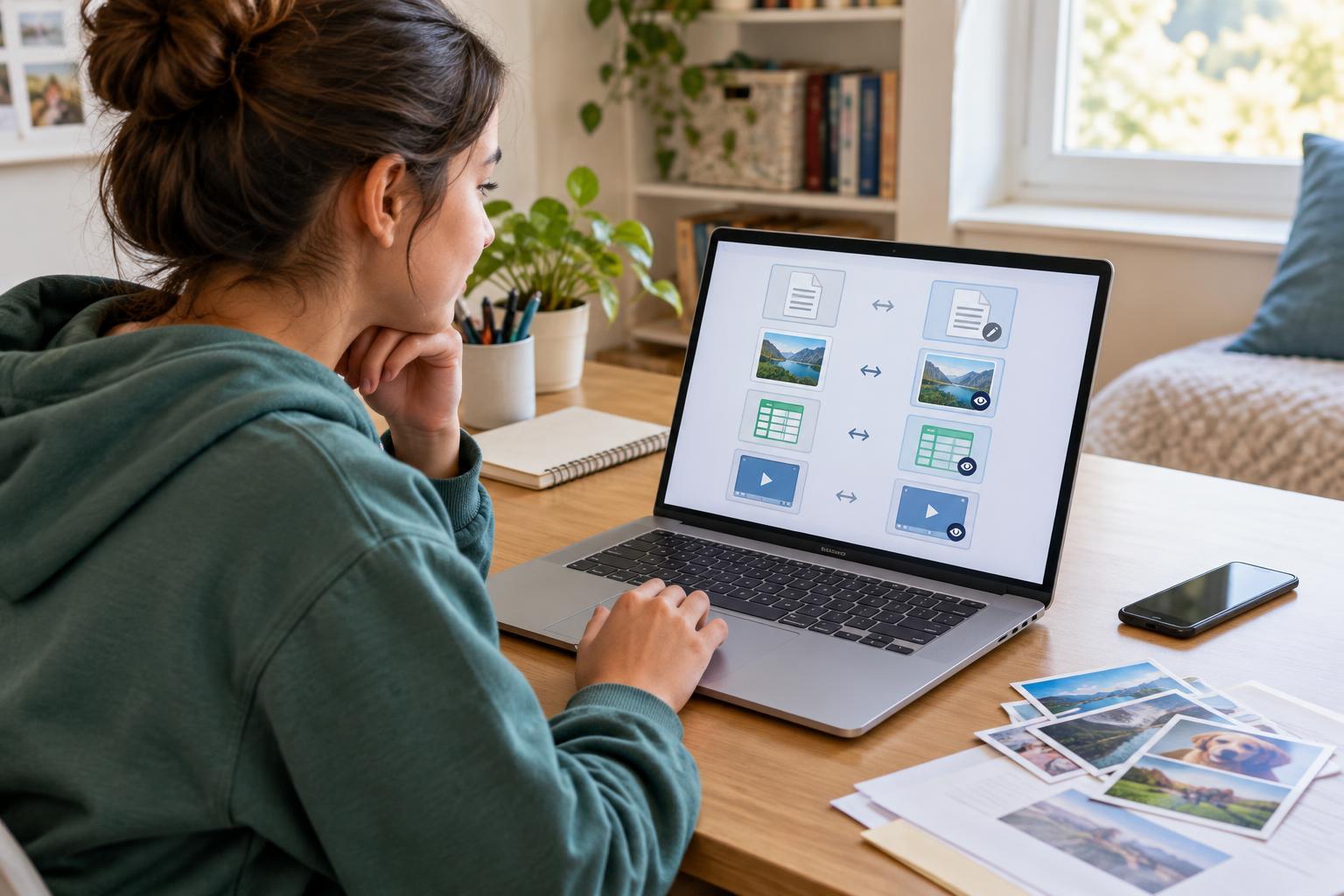
If the recipient needs to make changes, send an editable document in a format their software accepts, such as .docx or .odt. Layout can shift between apps, so review the result after exporting it. For a shared project, you might provide both an editable copy and a PDF reference. Check that filenames clearly identify which is which—for example, “poster-editable” and “poster-for-viewing”—rather than making someone guess.
Pictures, sound and video: think about compatibility and quality
For everyday photos, JPG or JPEG is widely useful and usually makes a reasonably small file. PNG is often better for screenshots, diagrams and graphics with sharp text; it can also preserve transparency. Some phones save photos as HEIC or HEIF, which a recipient’s app may not accept. If someone cannot open one, export a copy as JPG rather than merely changing the letters after the filename.
Audio and video have extra complications: a familiar extension does not always mean every app can play what is inside. MP3 is a practical audio-sharing option when a high-quality original is not required. MP4 is a common video choice, but video encoding can still affect playback. If a media file matters for an assignment or event, test the exported copy on a different app or device when you can. Keep the original, especially if you may need to edit it later.
Spreadsheets and folders have their own traps
A spreadsheet saved as .xlsx can retain multiple sheets, formulas and much of its formatting. A CSV file is simpler: it stores rows of values separated by commas or other delimiters. CSV can be handy for moving a basic table between programs, but it does not preserve your charts, colors or formulas in the same way. If you share a CSV, open the exported file to check that columns and characters appear as expected.
A ZIP file bundles files or folders into one item, which can make a collection easier to send. It does not turn the files inside into universally readable formats. The recipient still needs a way to open each item after extracting it. Before sending a ZIP, give its contents sensible names and remove drafts, duplicate versions or personal files that do not belong in the bundle.
Do a quick share check before you press send
Open the exact file you plan to send, not just the original you worked on. Confirm that all pages, images or sheets are present and that the text is readable. Look at the file size if you are attaching it to a message; if it is too large, an export at a suitable quality or a permitted sharing link may help. A link also needs the right access settings, so check whether the intended people can open it without giving everyone permission to edit.
Finally, check what the file reveals. A document may contain comments or tracked changes, and a photo may contain location details. Remove information you do not intend to share, using the tools available in your app. Do not open an unexpected attachment just because its extension looks familiar. When you are unsure which format to use, asking the recipient is often faster than sending several versions they cannot use.