What phishing tries to do
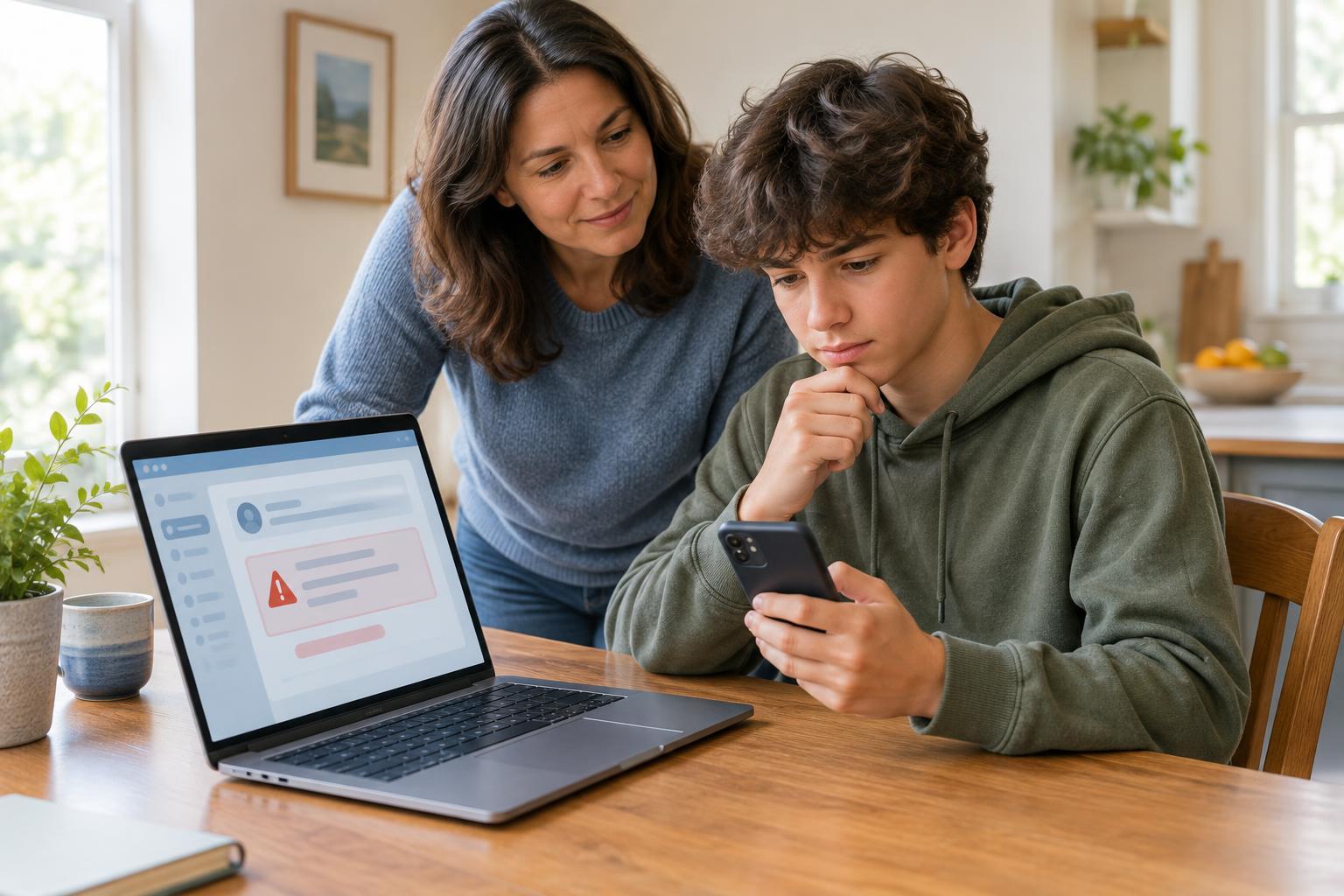
Phishing is a trick that uses a message to get you to do something you would not otherwise do. The sender might want your password, a sign-in code, personal information or a payment. They may also want you to open a harmful attachment. Phishing can arrive by email, text, direct message or even a message from an account belonging to someone you know.
A phishing message often pretends to be from a familiar source: a school office, a game, a streaming service, a delivery company or a friend. The goal is to make you react before you check. You do not need to be an expert to protect yourself. A useful first habit is to pause whenever a message asks you to click a link, open a file, share information or act urgently.
Notice the pressure, not just the spelling
Some suspicious messages contain obvious spelling mistakes or awkward wording, but others look polished. Pay closer attention to what the message wants you to do. Does it say your account will be locked immediately unless you sign in? Does it promise a prize you did not enter to win? Does it ask you to keep a request secret, send a verification code or pay to fix a problem? Those are reasons to stop and check.
A familiar name or logo is not proof that a message is genuine. Sender names can be misleading, and an account may have been taken over. The same goes for a message that mentions your name or an activity you enjoy. Treat unexpected requests for passwords, codes or private details as suspicious even when the message appears to come from someone you trust.
Check through a separate route
If a message claims there is a problem with an account, do not use its link to investigate. Open the service’s app yourself or type an address you already know into your browser. If it says it is from your school, use a contact method your school has given you before. If a friend sends an unusual request, ask them about it in person or through another conversation you know is theirs.
Look at links carefully before opening them. On a computer, you can often hover over a link to preview its destination; on a phone, pressing and holding may show a preview, depending on the app. A destination that does not match the service the message claims to represent is a warning sign. Still, a link that looks plausible is not a guarantee of safety. When you are unsure, use the separate route instead.
Make a simple decision before you respond
Ask yourself three questions: Was I expecting this message? Is it asking me to act quickly or share something sensitive? Can I confirm the request without using the message’s links or contact details? If you cannot confirm it, do not reply, download an attachment or enter information. You can leave the message alone while you check.
Use the report or spam option in your email or messaging app if the message appears suspicious. If it claims to come from a school group or another community you belong to, tell a trusted adult or the appropriate staff member through a known contact method. Reporting helps the right people look into it; you do not have to prove that a message is a scam before asking for help.
If you already clicked
Clicking a link does not mean you should panic. Stop interacting with the page and close it. If you entered a password, go directly to the real service through its app or an address you know and change that password. If you used the same password elsewhere, change it on those accounts too. Turn on two-step verification if the service offers it, and do not share sign-in codes with anyone who asks for them in a message.
If you downloaded a file, shared personal details or cannot access your account, tell a trusted adult and use the service’s official help or account-recovery options. Acting promptly gives you a better chance to limit problems. Phishing works by pushing people to react quickly; your strongest everyday defense is to slow down and verify the request somewhere other than the message itself.