Start with what you need to find
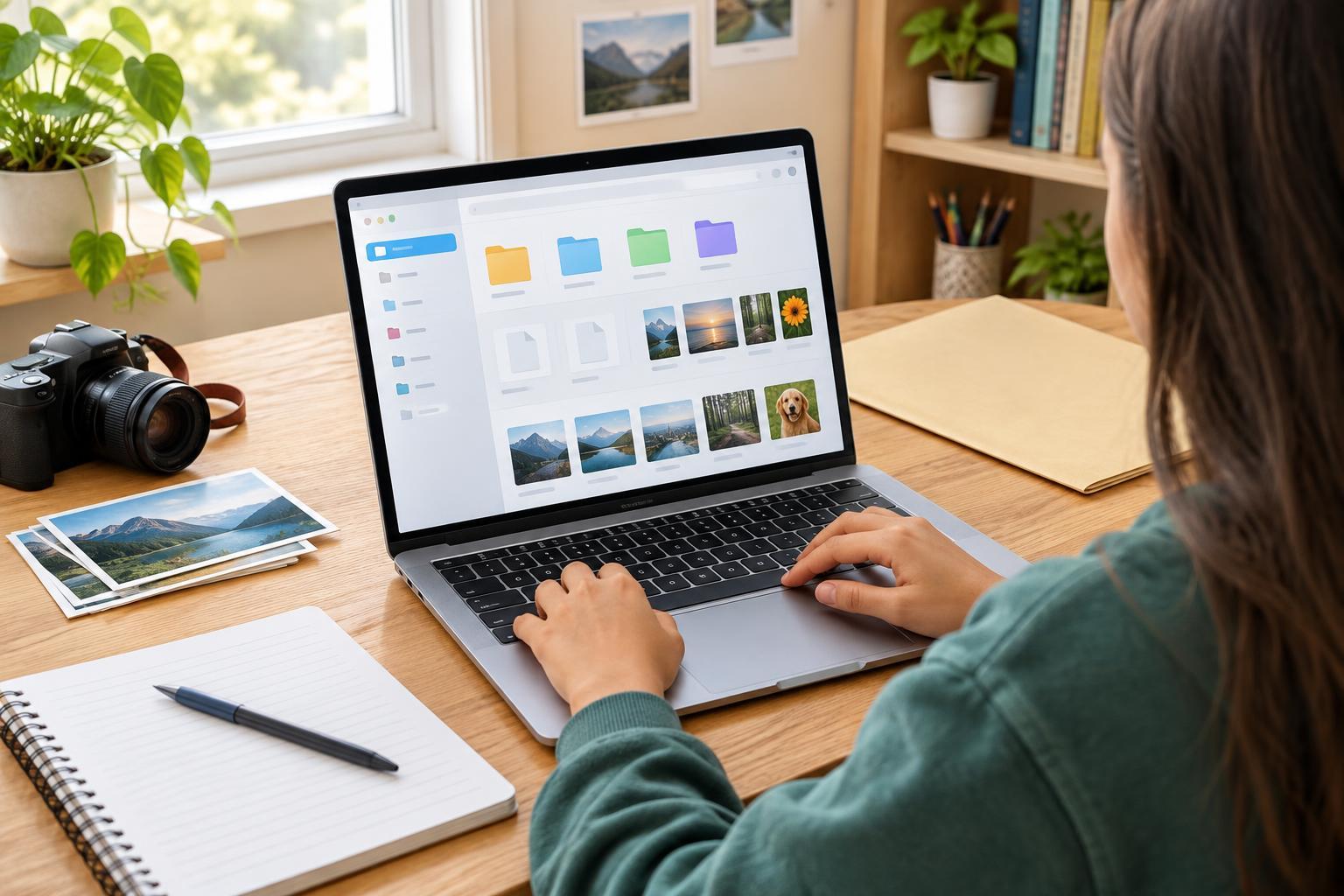
You do not need a perfect folder system to get organized. You need one that helps you answer a common question: “Where did I put that?” Think about the files you use most often, such as class assignments, photos, creative projects and forms. Those groups can become your main folders. Keep the number small enough that you can choose where a new file belongs without stopping to think for long.
Inside a School folder, you might make a folder for each class, then add a folder for a major project if it has many pieces. A Photos folder might be organized by event or year. Avoid building layers of folders before you have files to put in them. A folder called “Miscellaneous” can be useful for a short time, but if everything ends up there, it is no longer helping you find things.
Give every important file a useful name
A name such as “final2new” may make sense when you save it, but it can be puzzling a month later. For schoolwork, try a consistent pattern: subject, assignment and version or date. For example, “Biology_CellModel_Draft1” tells you more than “document3.” You do not have to rename every old file at once. Start with new files and rename older ones when you need them.
Use words you would search for later. If a file belongs to a group project, include the project name rather than only your own name. If the order matters, put a date at the beginning in year-month-day order, as in “2026-03-14_ArtSketch.” Use the actual date for your file; the example simply shows the pattern. Keeping names short and consistent makes them easier to scan. Hyphens and underscores are useful separators, while simple names are easier to share across different apps and devices.
You can usually tell a file’s type from its extension, such as .pdf or .jpg, so concentrate on naming its contents. Before changing an extension, check what it does: changing the letters at the end of a name does not convert a file into a different format.
Make a plan for downloads and drafts
The Downloads folder is a landing place, not necessarily a permanent home. When you download an assignment sheet, ticket or image you plan to use again, rename it if needed and move it to the right folder. Delete downloads you are sure you no longer need. If you are not sure what a file is, open it carefully only if you trust where it came from; do not keep an unfamiliar attachment just because it arrived.
Drafts need a clear approach too. Some apps save version history automatically, but it helps to understand where your working copy lives. If you save separate drafts, use names such as “History_Interview_Draft1” and “History_Interview_Draft2.” When a project is finished, keep the final copy easy to spot and remove extra copies only after you are confident you no longer need them. If an assignment has submission rules for file names or formats, follow those rules when you turn it in.
Organize shared files with care
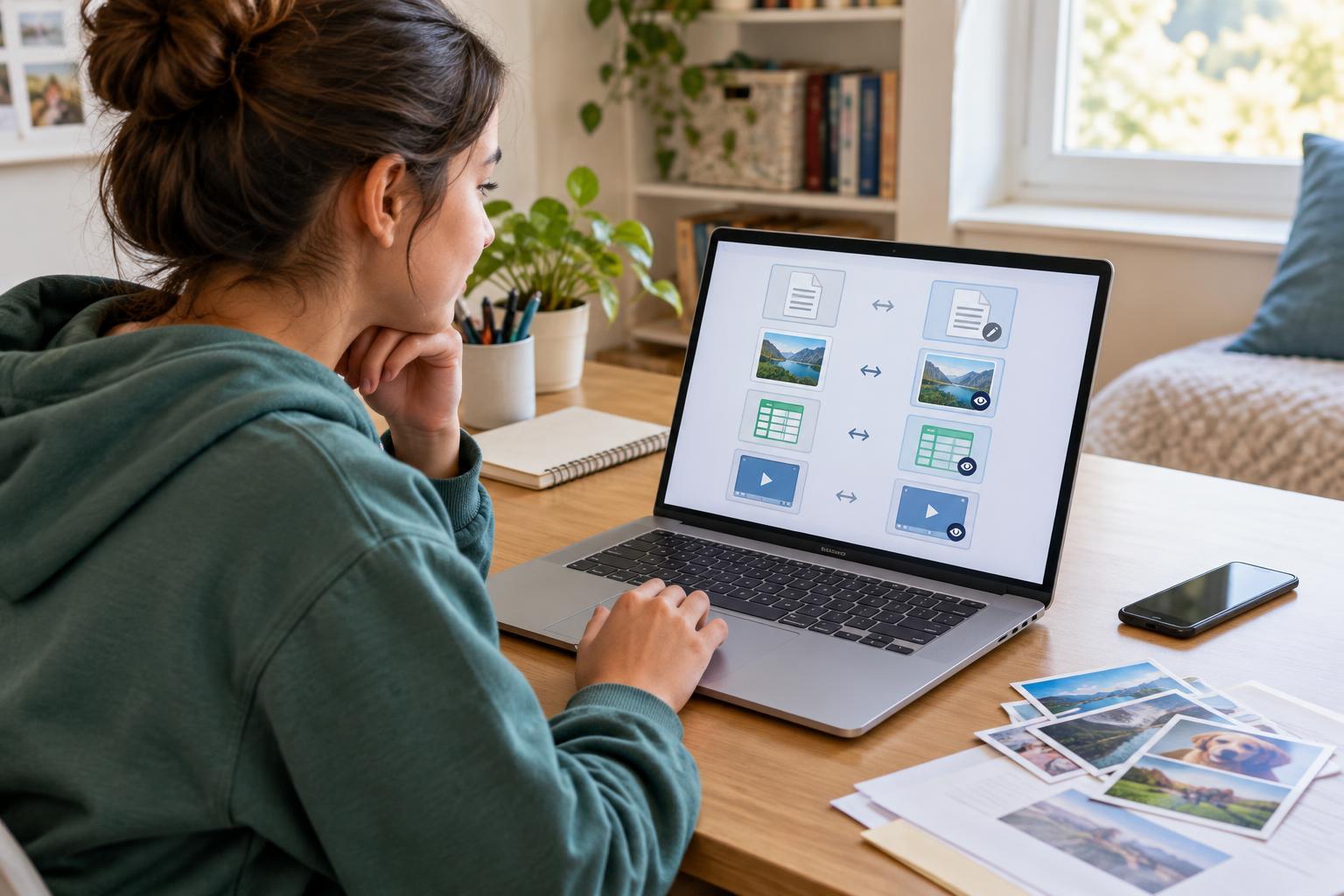
Shared folders can make group work easier, but everyone needs to know which file is the current one. Agree on a folder name and a simple naming pattern before adding several versions. If two people are editing at once, check whether your app supports shared editing or whether you need to take turns. A quick message such as “I updated the outline in the shared folder” can prevent someone from working from an older copy.
Think about privacy before putting files into a shared folder or sending a link. A photo, form or screenshot may show more than you intended, including someone else’s name or personal details. Check who can open a link and whether they can edit the file. Keep private files in a place that is not shared, and ask before posting someone else’s work or image.
Keep the system small enough to maintain
Set aside a few minutes now and then to sort recent downloads, rename unclear files and remove duplicates you can identify with confidence. You do not have to organize every file on your device in one sitting. Pick one busy folder and make it easier to use. When you cannot decide where a file belongs, choose the place you would look first, then use that same rule next time.
Organization also makes it easier to notice which important files need a backup. Consider keeping a second copy of work you would struggle to replace, using an option available to your family or school. A tidy folder is helpful, but it is not a backup by itself. The goal is not a flawless digital space. It is a system simple enough that you can save a file today and find it again when you need it.