Two tools that work together
When you want to look something up online, you might open an app, type a few words, and tap a result. It can feel like one action, but two different tools are usually involved: a web browser and a search engine. Knowing which does what makes it easier to find information, change settings, and explain a problem when something goes wrong.
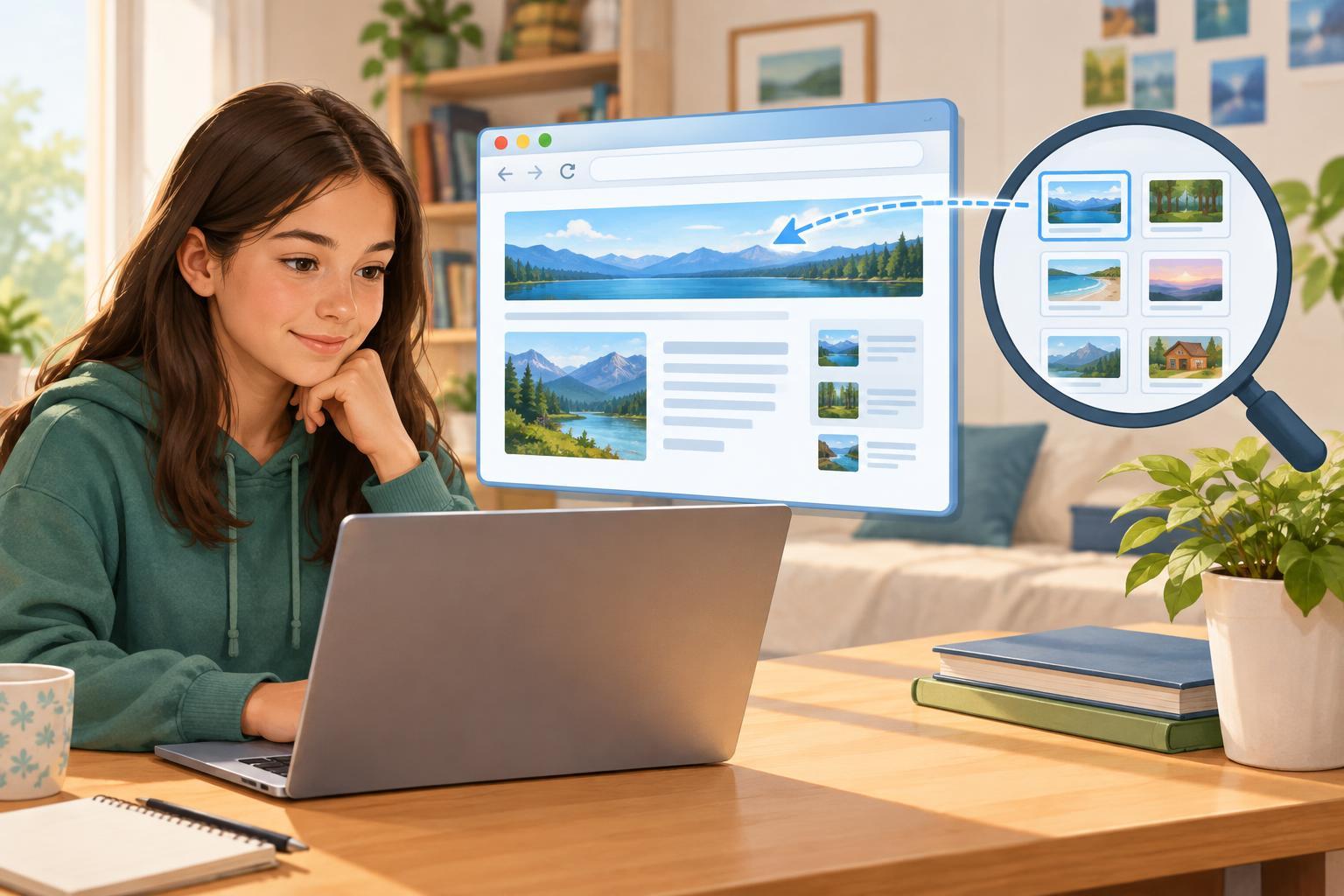
A web browser is an app that opens and displays websites. It lets you visit pages, follow links, use tabs, bookmark pages, and enter web addresses. A search engine is a service that helps you find pages and other information related to words you enter. You can use a search engine through a browser, but the browser is still the tool displaying its page and the pages you visit afterward.
Think of the browser as the vehicle you use to travel around the web and the search engine as one way to find a destination. You can travel directly if you already know an address. If you do not, you can ask for help finding a place to go.
Why the address bar can be confusing
Most browsers have a box near the top where you can type. It is often called the address bar. If you enter a complete website address, such as example.org, the browser tries to take you to that site. If you enter a question, such as “how to organize homework notes,” the browser may send those words to the search engine set as its default.
That is why typing into a browser can look exactly like using a search engine. The browser decides what to do with your entry: visit an address or run a search. Some browsers also display suggestions as you type. A suggestion is not necessarily a page you have visited or a recommendation you should trust; it is simply an option you can choose or ignore.
Try noticing what appears after you press Enter. A search results page usually shows a list of possible destinations. Opening one of those results takes you to a website, which may be run by a completely different person or organization.
How to choose a useful search result
A search engine tries to match your words with relevant results, but a high position in the list does not guarantee that a page is accurate or right for your needs. Results may include advertisements, images, videos, summaries, and links to websites. Look for labels that identify ads, and remember that a short preview cannot tell you everything a page contains.
Before opening a result, read its title and visible address. Does it appear to answer your actual question? Once on the page, check who made it, what it is trying to do, and whether its explanation gives enough detail to be useful. For an important school assignment, compare more than one suitable source rather than relying on the first result.
You can improve a search by making it specific. “Plant care” is broad; “how often to water an indoor spider plant” is more focused. If results miss the point, try different words or add context. Searching is often a process of refining your question, not finding the perfect phrase on the first try.
What your browser does after you find a page
Once you reach a website, the browser helps you navigate it. You can use the Back button to return to the previous page, open a link in a new tab to keep your place, or make a bookmark if you want to return later. These are browser features, not search-engine results. You can use them even when you arrived at the site without searching.
The browser also has settings that can affect your experience, such as your default search engine, site permissions, and saved browsing data. A private-browsing window may keep that session out of your device’s ordinary history, but it does not make your activity invisible to websites, networks, or services you use. If a site requests your location, camera, or notifications, pause and consider whether it needs that access for what you are doing.
A quick way to tell which tool you need
If you know the exact site you want, use your browser to enter its address or open a bookmark. If you need to discover a site or answer a question, use a search engine, then examine the results before choosing one. If a page is not loading, the issue might be with your browser, your connection, or that particular website. If the results are unhelpful, changing your search words is usually a better first step.
You do not need to memorize every technical detail to be capable online. The useful distinction is simple: the browser lets you access and move among websites; the search engine helps you locate information. Once you can tell the two apart, you can make more deliberate choices about where you go, what you click, and what information you trust.