Why the difference matters
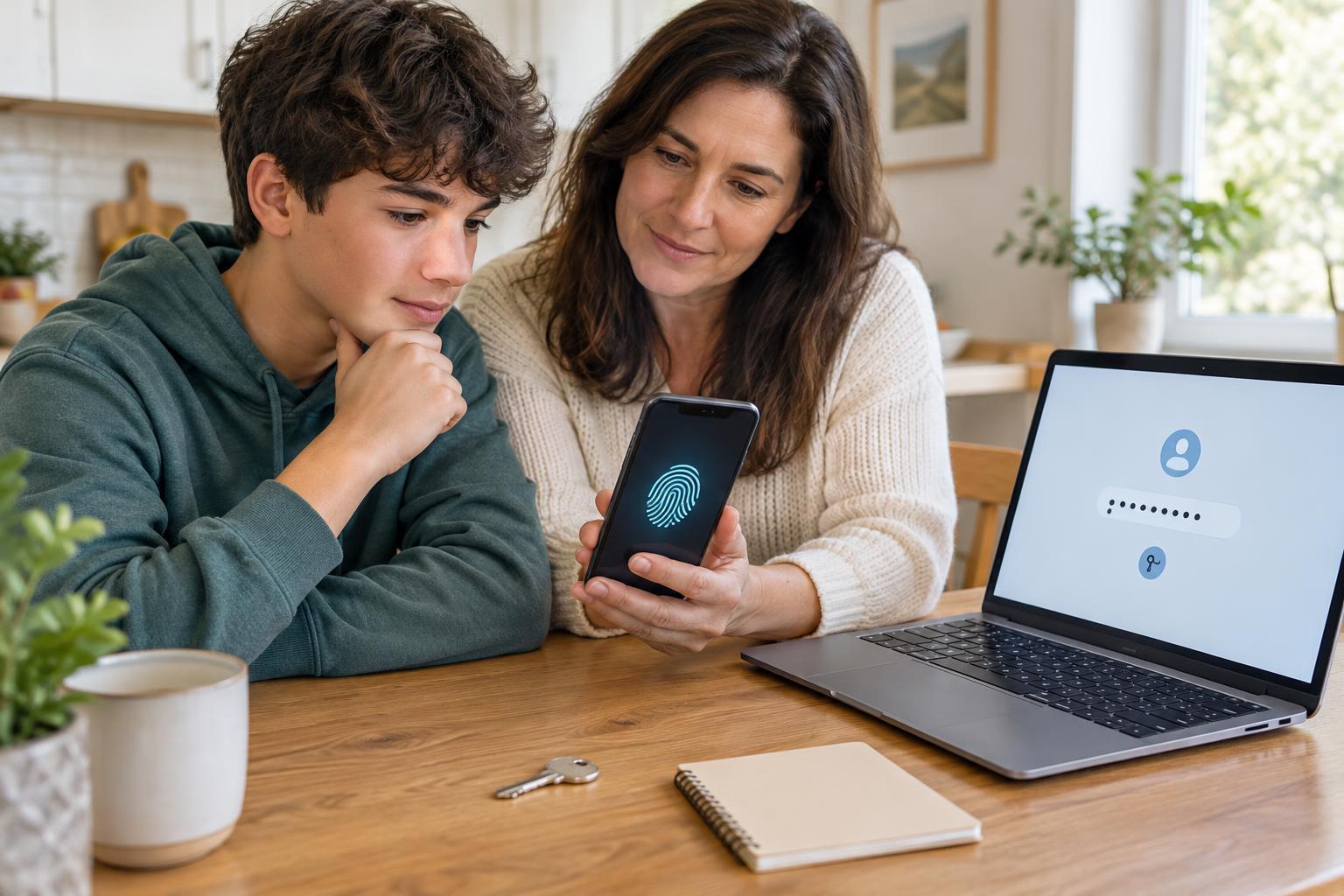
A school portal, email inbox, game account, and photo-sharing app may all ask you to prove that you are you. A password does this with a secret you type. A passkey does it through a credential stored on a device or in a compatible account, usually unlocked with a screen lock, fingerprint, or face recognition. Both are ways to sign in, but they create different habits and risks.
There is no need to switch every account at once. Some services offer passkeys, some still require passwords, and some let you use both. Understanding what each option protects against helps you choose a sensible setup for the accounts you use.
How passwords work
A password is a secret you share with a service when you sign in. Because it can be typed, it can also be copied, guessed, or entered into a convincing fake sign-in page. Reusing one password across accounts makes the problem bigger: someone who learns it for one account may try it elsewhere.
For accounts that need passwords, use a different, hard-to-guess password for each one. A password manager can create and store those passwords, leaving you with fewer secrets to remember. Where available, turn on an additional sign-in step, such as an authenticator app. That extra step can help if a password is exposed, although it does not make it safe to type your password into a suspicious page.
Your email password deserves particular care because email often helps you reset access to other accounts. If you share a family device, do not save your passwords in another person’s browser profile. Sign out when you finish using a shared account.
How passkeys work
A passkey uses a pair of related digital keys. One part stays with your device or passkey provider; the service keeps the other part. When you sign in, your device proves it has its part without sending that secret to the service. Your fingerprint or face scan, if you use one, normally unlocks the passkey on your device rather than being sent to the website.
Passkeys are designed to resist a common kind of phishing. A passkey made for a real service should not work on an imitation website with a different address. That is a useful advantage over a password you might accidentally type into the wrong place. It does not mean every message about an account is trustworthy, or that a passkey protects you from someone who can unlock your device.
Depending on how you set them up, passkeys may be stored on one device, synced among your devices through a provider, or kept on a physical security key. Those choices affect how easily you can sign in on a new device and what you need to do if something is lost.
Choosing what to use
If a service offers passkeys and you have reliable access to a device with a screen lock, a passkey can be a convenient choice. You may not have to remember another password, and you are less likely to give your sign-in secret to a fake site. Before creating one, check where it will be saved and whether you can use it on the devices you normally have with you.
A strong, unique password is still a good choice when a service does not support passkeys or when you cannot depend on the device or provider that would store one. Some accounts keep a password even after you add a passkey. In that case, the password still needs to be unique and protected; adding a passkey does not erase the risk of a weak backup sign-in method.
On a borrowed or shared device, avoid creating a passkey unless you understand who controls that device and how the passkey will be removed. For an account you use with a parent or guardian, discuss access together rather than putting a personal passkey on someone else’s device without a plan.
Make an access plan before you need it
The best sign-in method is one you can still use when you replace or lose a phone. Look at the account’s security settings to see which passwords, passkeys, recovery methods, and signed-in devices it lists. Keep recovery information up to date, and store any recovery codes the service provides somewhere private and accessible to you. Do not wait until you are locked out to find out how recovery works.
Protect the device that holds your passkeys with a screen lock you do not share casually, and keep its software updated. If a device goes missing, use the account provider’s available tools to secure your account and review its signed-in devices. Whether you use passwords, passkeys, or both, the goal is the same: make it hard for someone else to sign in while keeping a dependable way back in for yourself.